Fond
Role
Timeline
Team
Skills
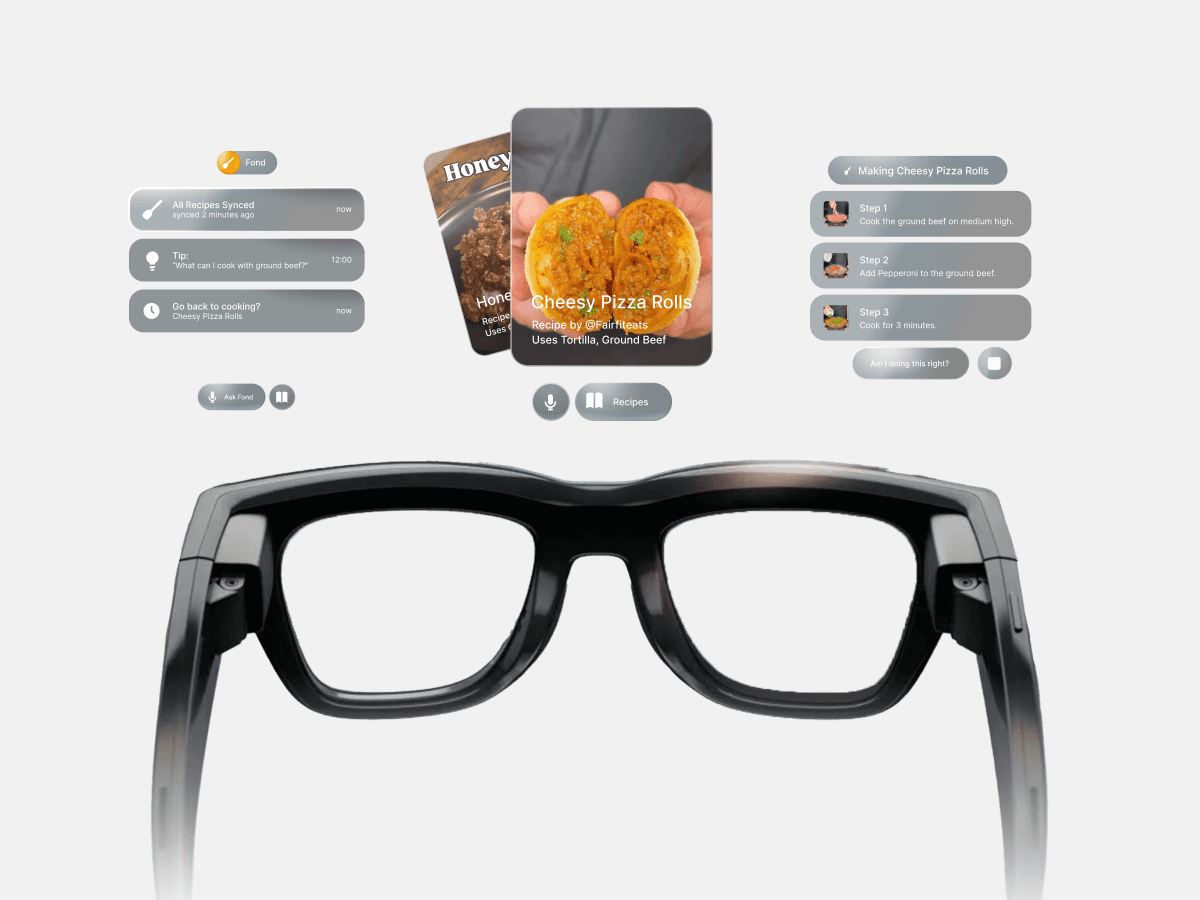
Fond is a context-aware cooking assistant designed for Ray-Ban Meta Display glasses that bridges the gap between recipe reels and real-world cooking. Where Meta AI can only describe how to cook, Fond shows you what to do by using your own saved recipes from Instagram or ReciMe. It recognizes what’s on your counter, detects which step you’re on, and plays the exact short video clip or cue from the reel, all hands-free and in your field of view.
Final Design
Takeaways
Researching the Existing Ecosystem
By ideating on top of experiences that already work with your target audience, you can create a story that'll be easy to resonate with. Then you can explore how wearable sensors can enhance these existing apps.
Build for products that can exist today
A lot of hackathon ideas assume future hardware maturity. Instead, I'd like to see more concepts that make the hardware compelling now. By understanding current constraints, in this case battery life or microgestures, I hope we can design for what’s possible today.
Introduction
Recipes have not changed in form for a long time.
For decades, cooking guidance has relied on text-based recipes in cookbooks or ad-heavy websites, or long-form cooking videos that are hard to reference while actively cooking. More recently, AI-powered cooking apps have introduced generated recipes, but these often lack visual context and can produce inconsistent or unreliable results. Short-form recipe reels have emerged as a more practical alternative, offering quick, visual instructions that highlight key steps and are easy to save and share.
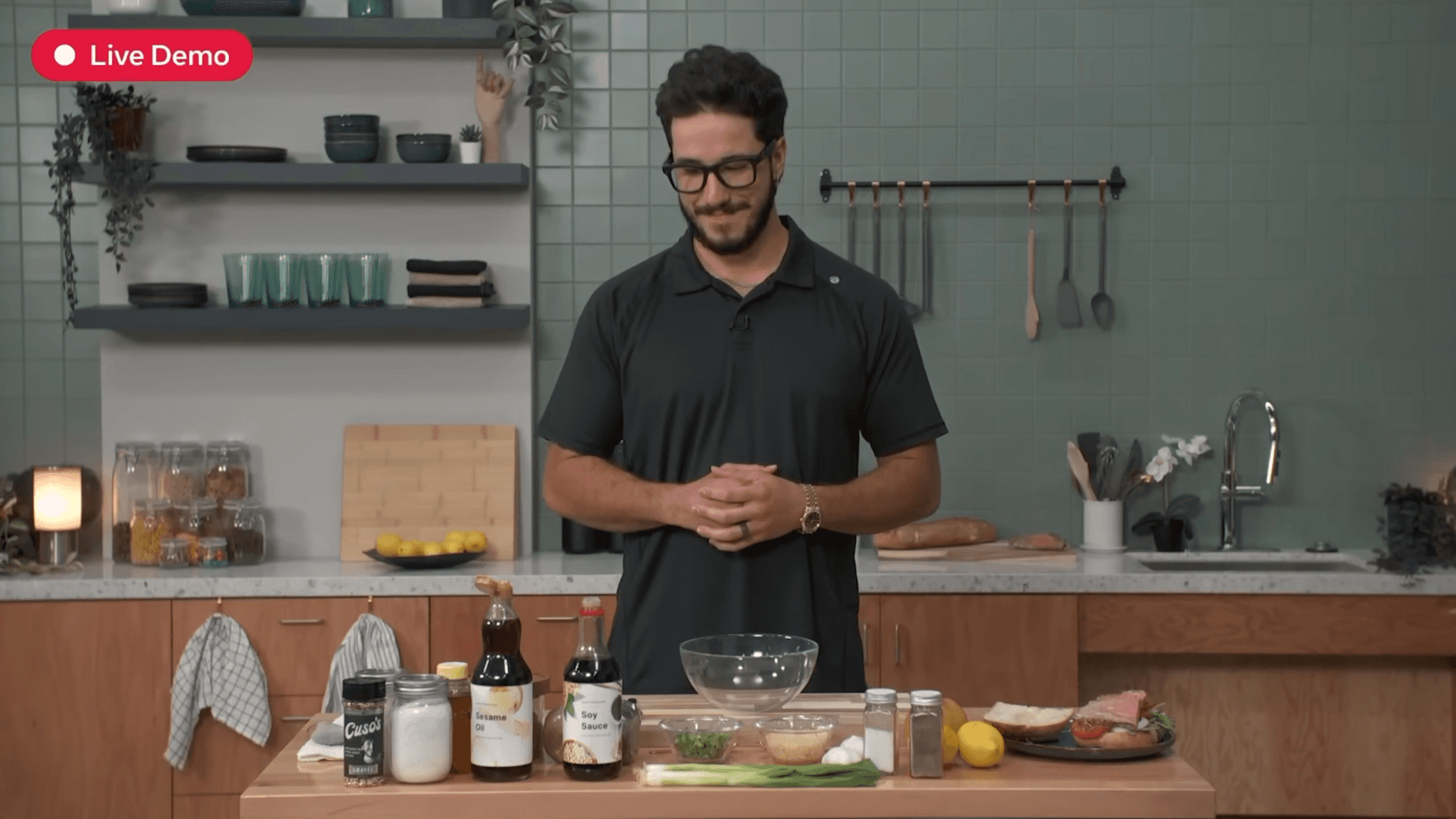
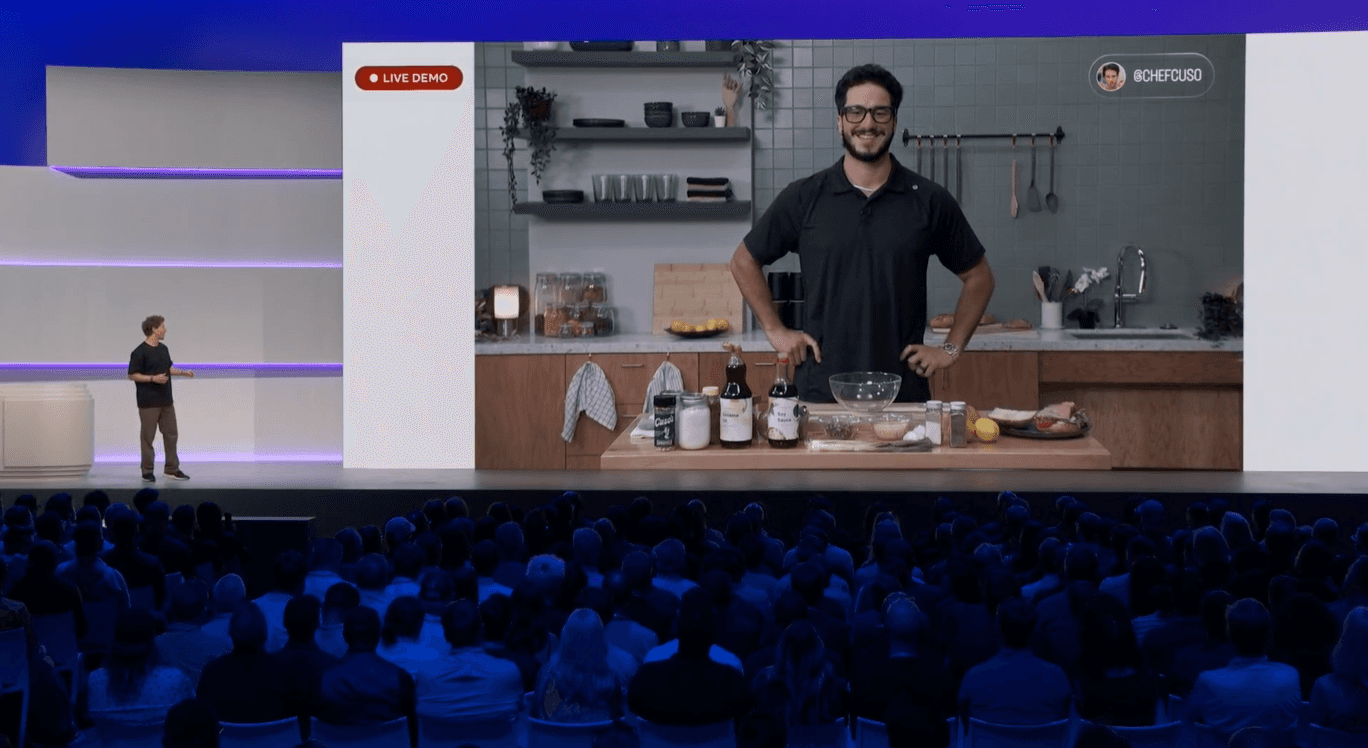
Mistakes happen, but man.
Why generate a recipe when the perfect one is already in your Saved Reels?
Fond was inspired by the failed cooking demo at Meta Connect, proving how unreliable AI-generated recipes can be. Instead of inventing new instructions, Fond uses the recipes people trust from Instagram and other platforms.
Process
Fond turns your saved reels into hands-free, interactive cooking guides on Ray-Ban Displays.
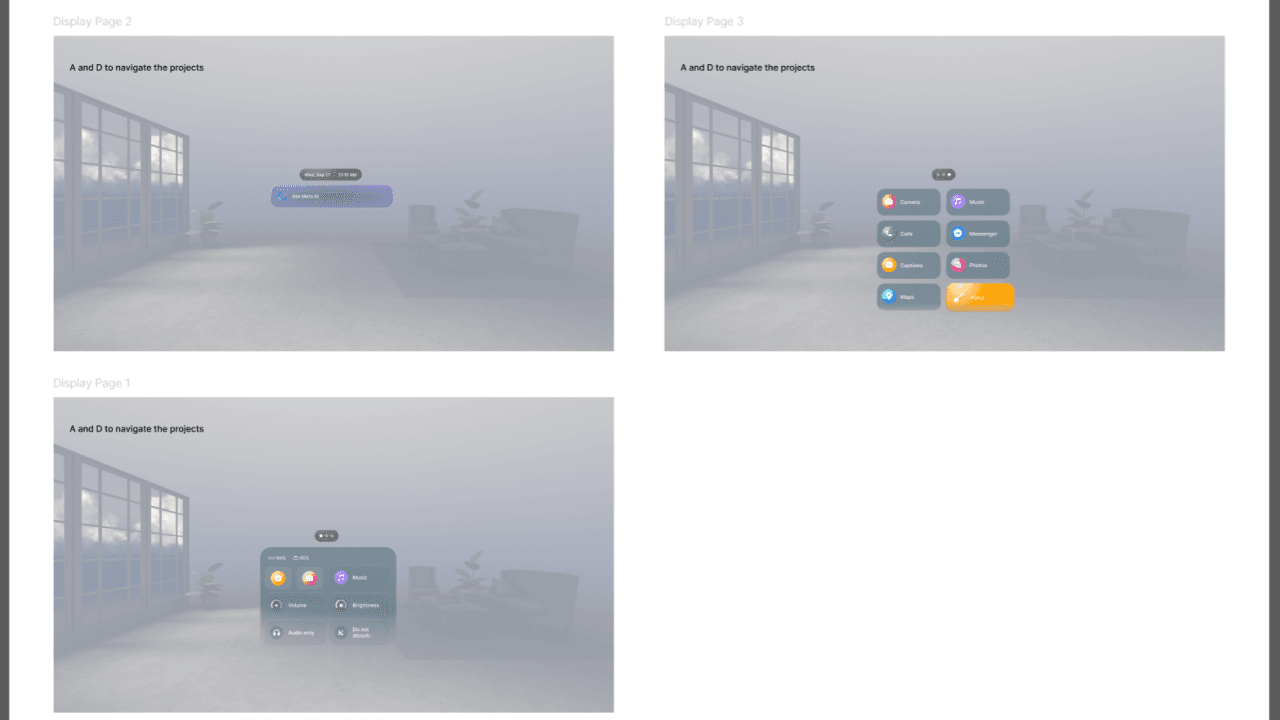
Once establishing a concept, I started off by creating a prototype of the existing Display OS by taking a ton of screenshots. Screenshots turned into Figma Assets, then storyboards, then uploading the assets to Unity to be brought together via microgestures.
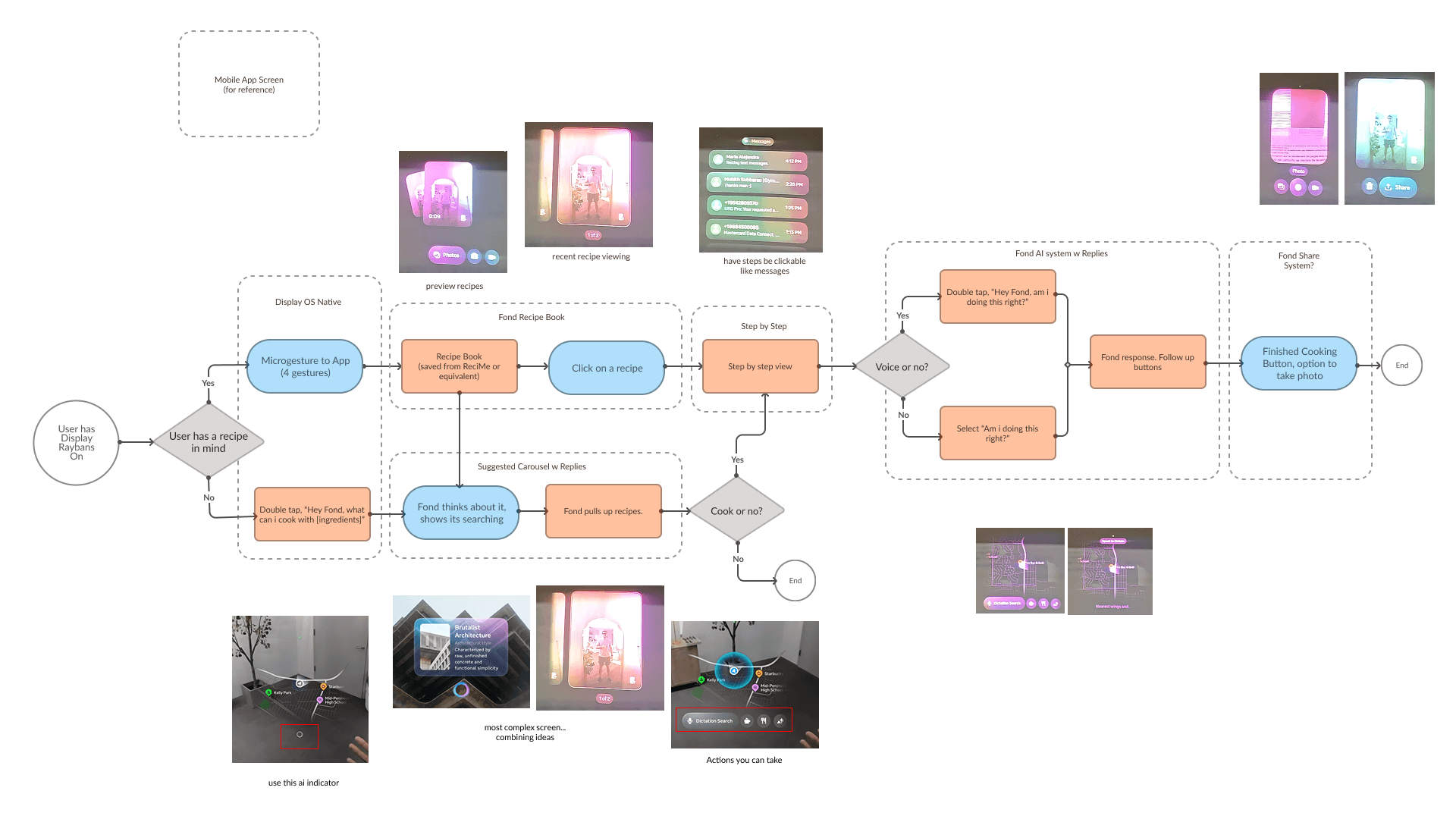
For UI, I ended up with 3 layers per button- the base color, the gradient that gives it lighting, and the border. It recognizes what's in your kitchen, knows which step you’re on, and shows the exact clip or instruction- no repetitive rewinding, no smudged screens. Voice or microgesture controls let you move through steps, ask questions, or check if you're cooking correctly.
What it Does
The prototype follows the same gestures as the Raybans Display Neural Band: - Wake / Sleep: Double-tap middle finger on thumb - Scroll: Swipe thumb on index finger - Select / Back: Index tap = Select, Middle tap = Back - Activate AI: Double-tap thumb on side of index finger
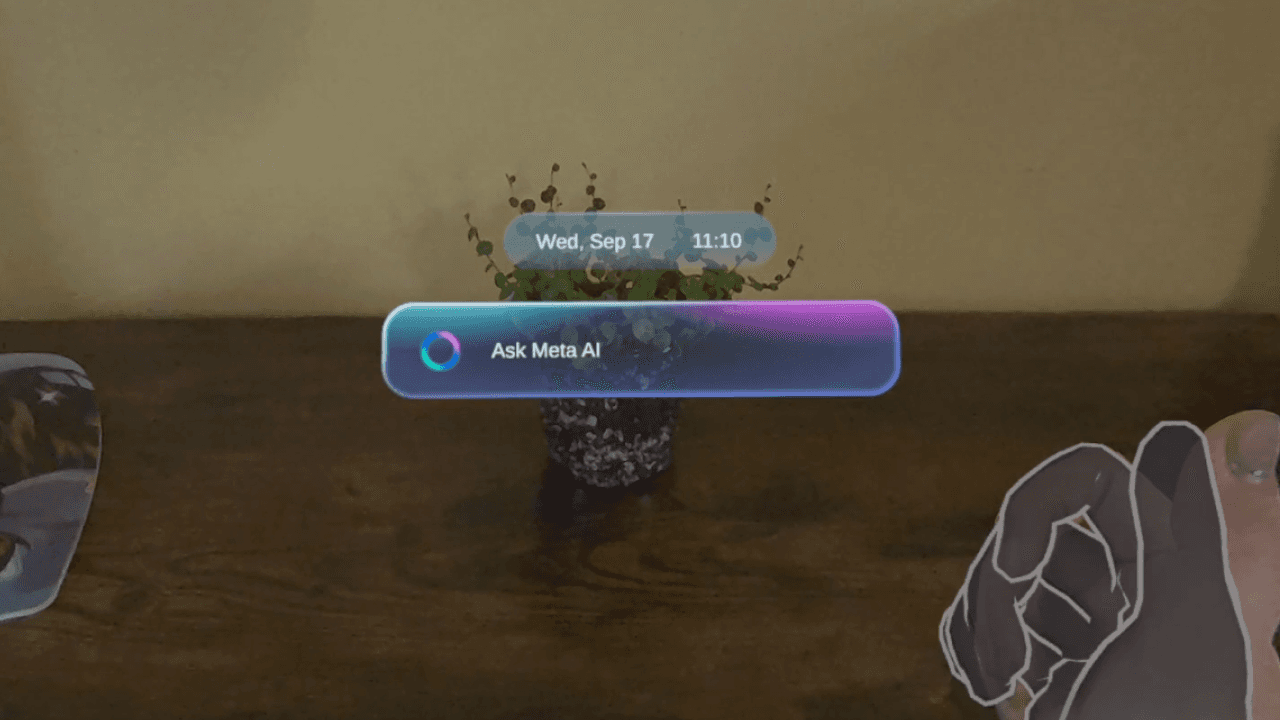

Recreation vs Original
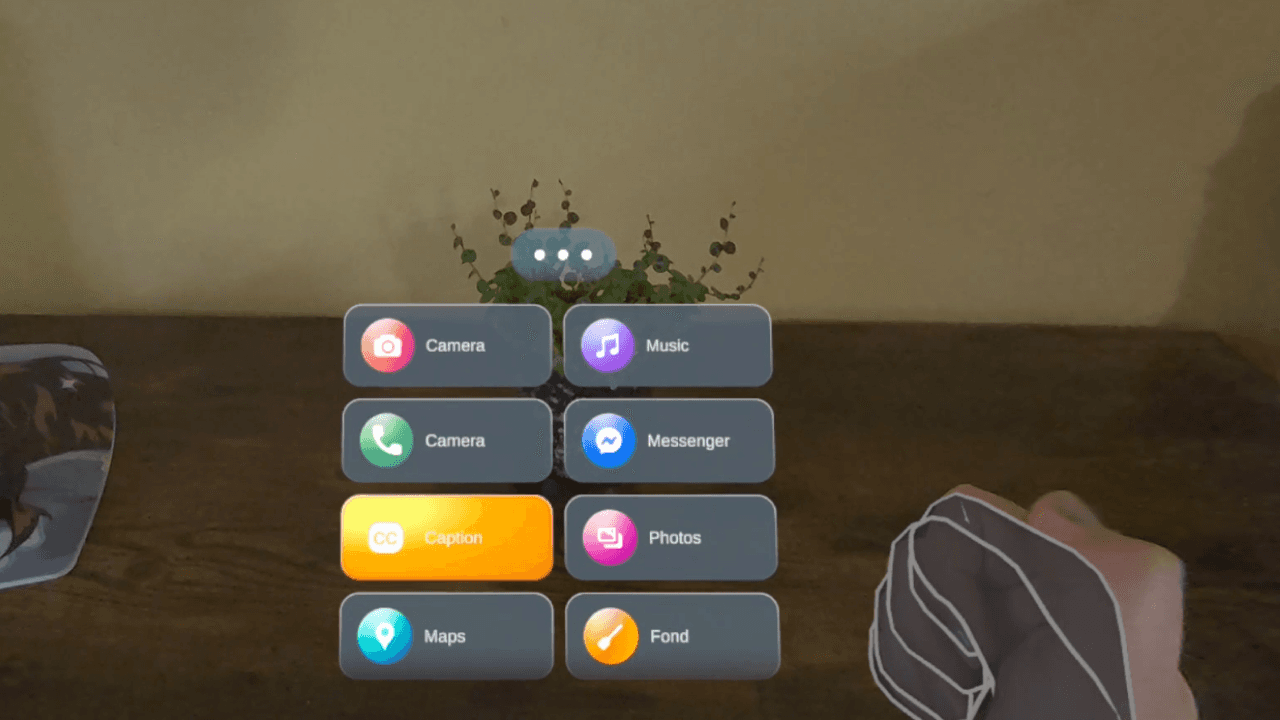
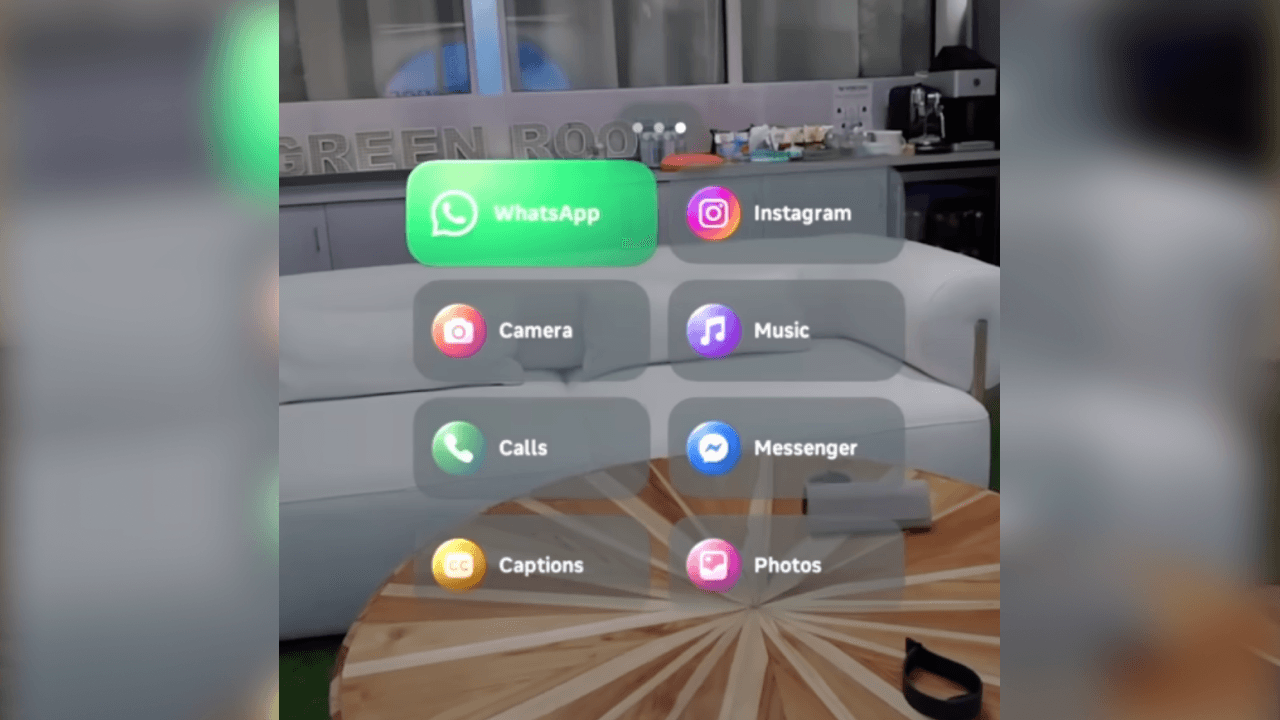
Recreation vs Original
Current Design
Calling for a recipe
Calling for a reference
Next Steps
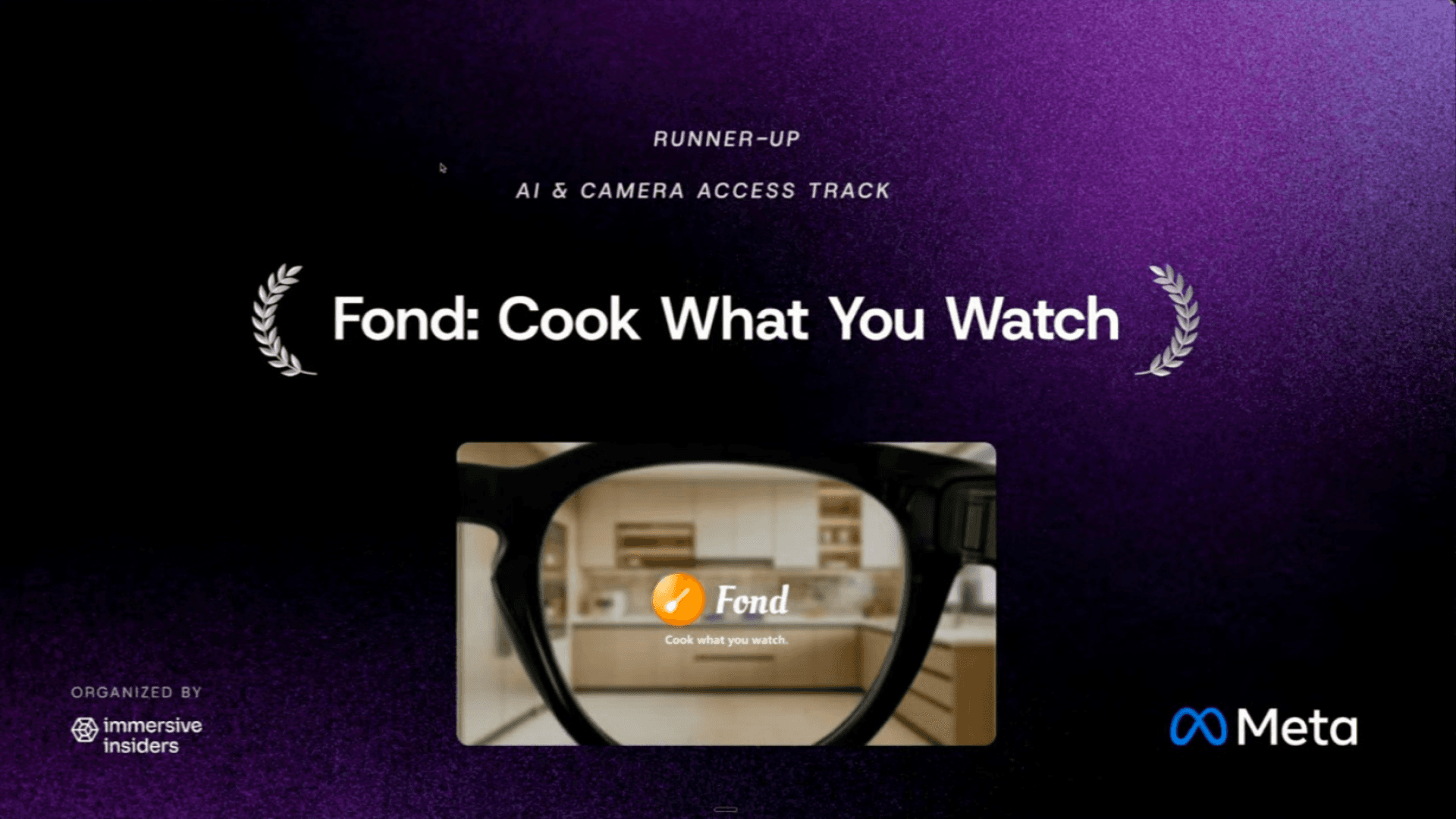
This project was selected as Runner-Up in XRCC's AI and Camera Access Track! As of writing this, the Wearables Device Access Toolkit is publicly available, though still limited in scope and access. I hope to connect with more mobile developers and learn more about the evolving wearable ecosystem. That way, I could push this concept further and explore what it could become as a real, deployable product.